












For renters

Find and rent a home faster

Put your best foot forward, apply online, get notifications, private, secure.

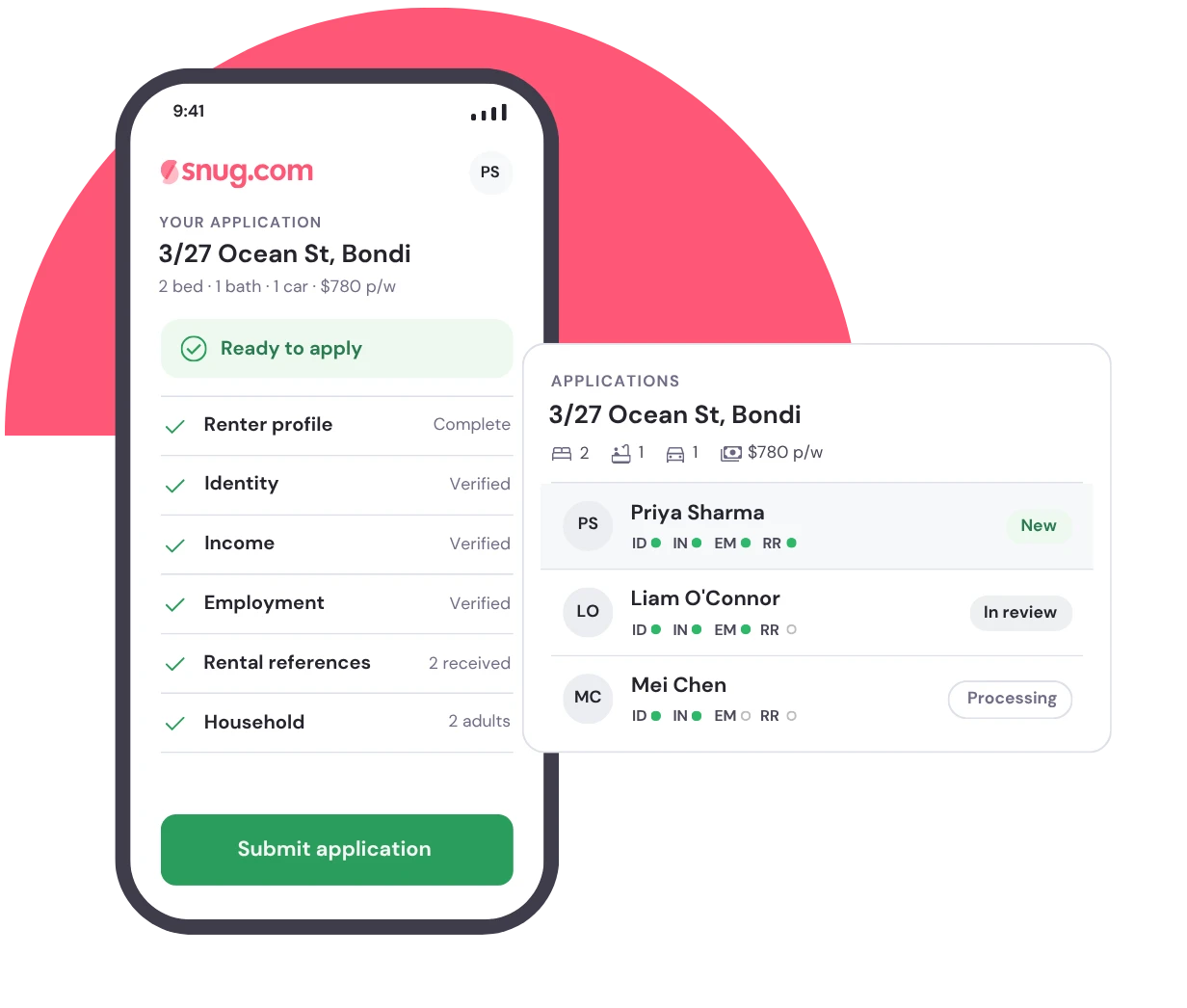
A renter's Snug rental application on a phone, ready to submit with identity, income, employment and references verified, beside the property manager's Applications list where it arrives as a new application.

How it works

Step 1: Create your profile

Step 2: Apply for properties

Step 3: Secure your new home

*Some States in Australia have imposed restrictions on selling the Background Check service directly to consumers who are seeking rental properties within that State or if residing in that State. Learn more

Why join Snug

Get ahead of the market

Build your complete profile, including rental history, employment details as well as a verified background check and put your best foot forward for the property you love.

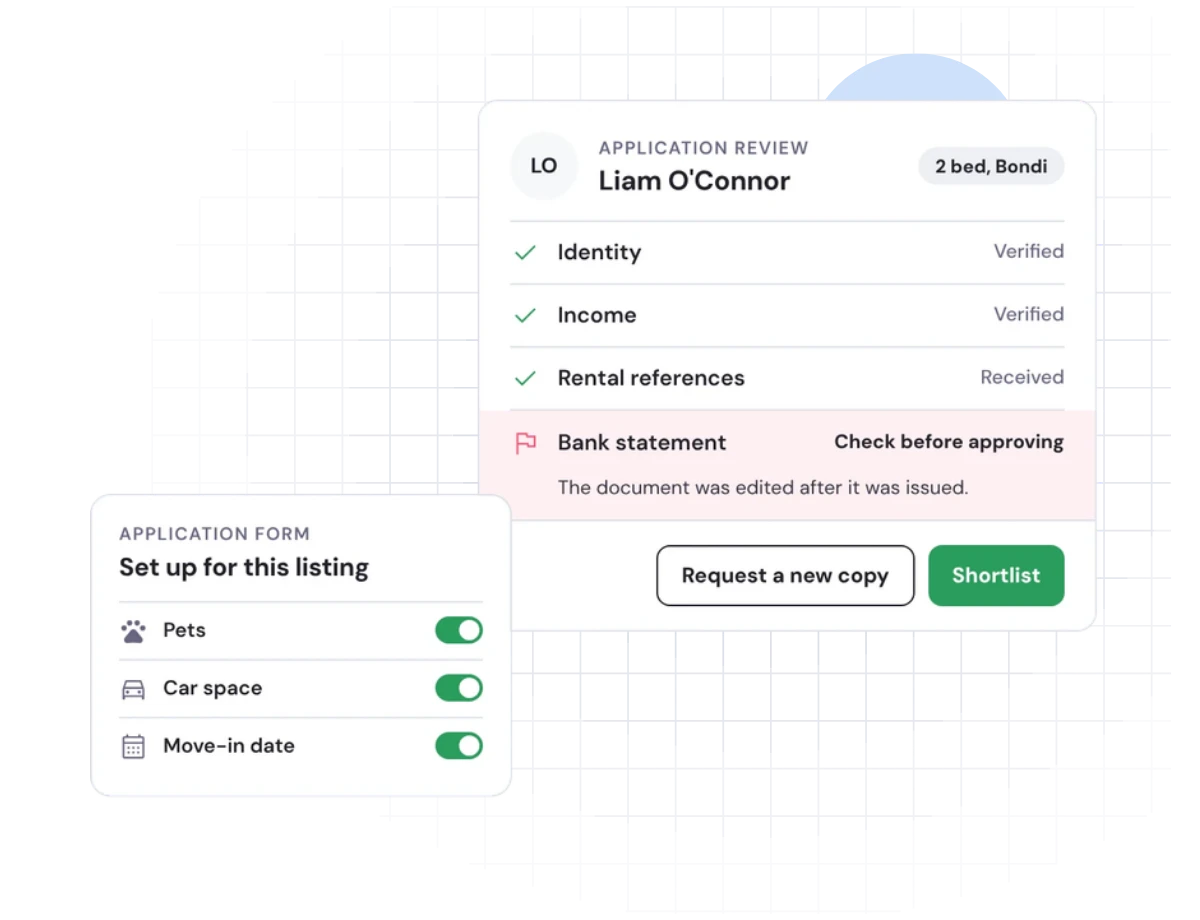
A property manager's application review in Snug: identity, income and rental references verified, and a bank statement flagged because it was edited after it was issued, beside an application form set up for one listing with pets, car space and move-in date.

Apply anywhere with Snug

Save yourself the time and trouble of multiple forms by using your Snug profile to apply with any leading agent. Get your application in faster to maximise your chances of success.

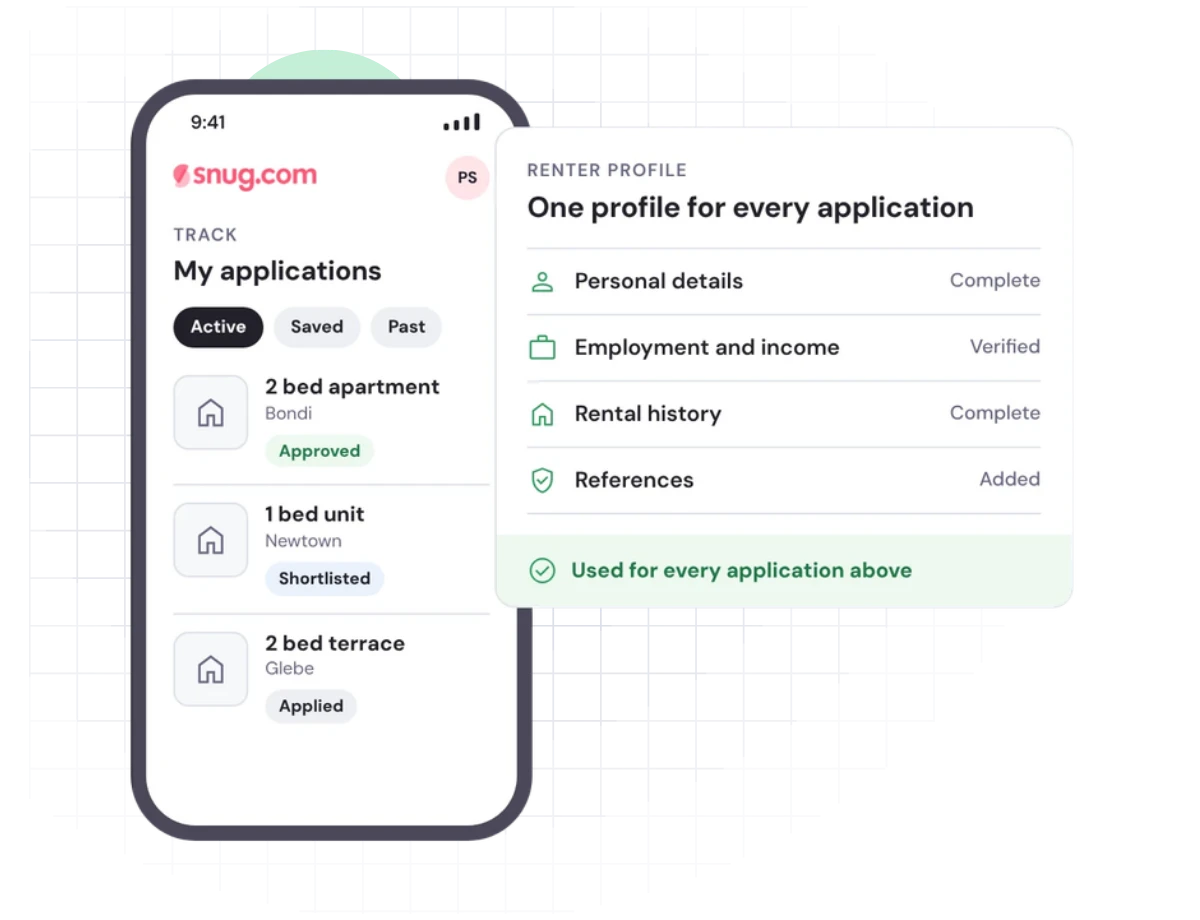
A renter's Snug app tracking three applications, approved, shortlisted and applied, beside the one renter profile used for all of them: personal details, employment and income, rental history and references.

Best matching properties

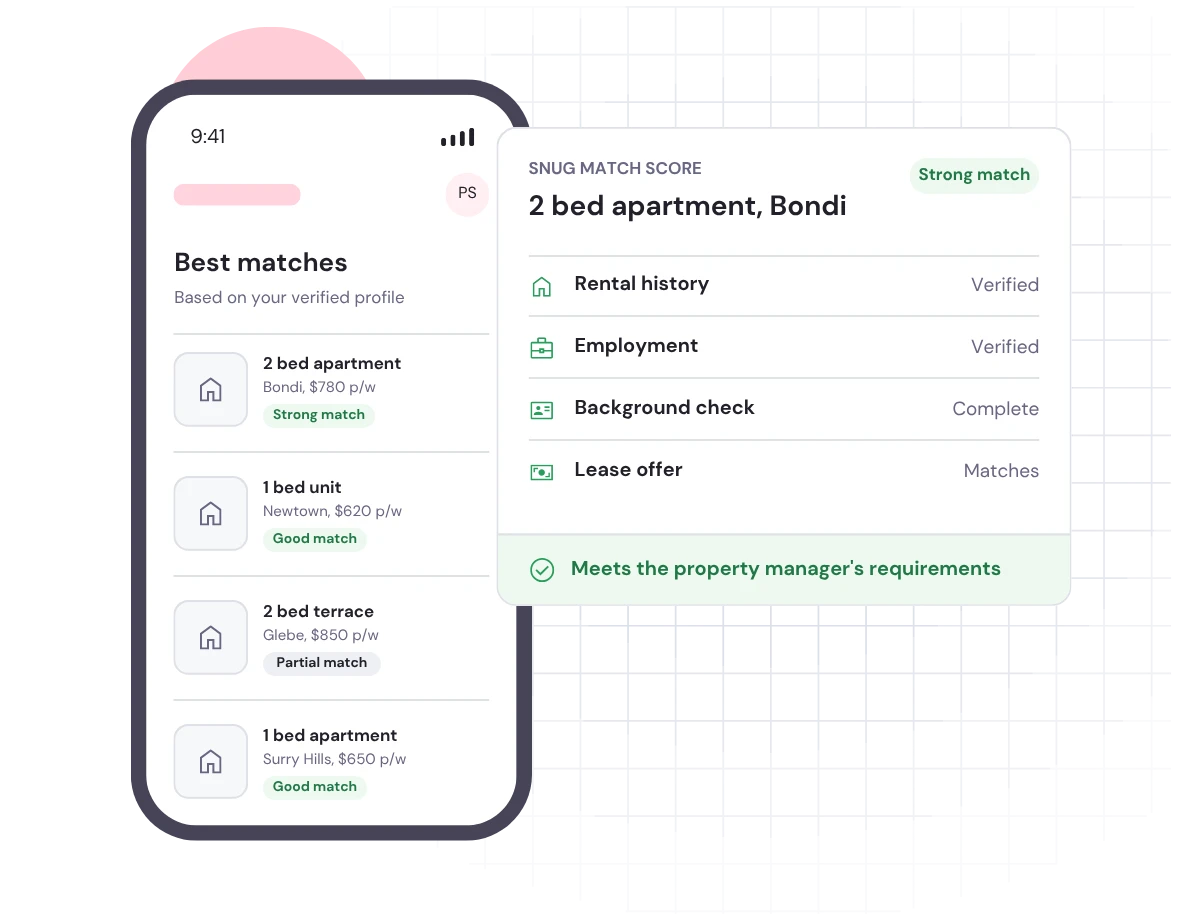
Snug Match Score helps you understand how your profile matches up to the property manager’s requirements based on your verified rental history, employment, background checks and lease offer.

A renter's Snug app listing best matches based on their verified profile, each marked strong, good or partial match, beside a Snug Match Score card for a 2 bed apartment in Bondi with rental history and employment verified, background check complete and a lease offer that meets the property manager's requirements.

Loved by property managers across Australia

250 +

agencies

73,000+

property managers*

*Agents, owners and renters using Snug, 12 months to 30 September 2026.

Accepted by

  • Belle Property
  • First National Real Estate
  • PRD
  • Ray White
  • Raine & Horne
  • Better Buildings Realty
  • BresicWhitney
  • Essential Property Management
  • Mint360 Property
  • All ADL Real Estate
  • Marshall White
  • Harcourts
  • Fletchers
  • Harris Tripp

What renters say about Snug

“The application process was simple straightforward and easy to follow I really appreciate how how everything is structured in one place the communication updates.”

Debbie

via TrustPilot

“Snug made the entire process, from start to finish, so much easier and far less stressful than I ever expected.”

Leanne

via Google Review

“One feature I particularly appreciated was how easy it was to reuse my application details for different properties, which saved me a lot of time.”

Jason

via Google Review

FAQs

  1. Log in to your Snug account with your username and password.
  2. View the list of available properties that are displayed and viewable on your dashboard.
  3. Click a rental property to check all the details provided by the Property Manager/Owner through Snug Match. Property details should include: Overview, Viewings, Questions & Reviews
  4. Click the 1-Click Apply button, once you’ve decided on the property which best suits you.
  5. Complete your application details and customise your offer to let the owner/property manager know how interested you are with the rental property.
  6. Describe your household. Note: Submitting as a joint application is optional. Tick the I’m submitting a joint application check box, only if application is for multi-tenancy.
  7. Update your profile by clicking the circle (with your initials) on the upper-right hand corner of the page. Completing your profile helps you get a higher chance of success when applying for a rental property. It is recommended to complete your Profile and Rental reputation.
  8. When all the details are completed, click the Apply button.
  9. The Owner/Property Manager reviews your application and you will get notified by Snug via email when your application is accepted. Happy renting!

Note: By clicking Apply, you agree to let your prior property managers disclose your rental history.

Match Score helps a renter and owner find the best fit for a rental property. The Match Score helps owners express their preferences for their property and enables renters to personalise their application.

The Match Score is based on property owner preferences, property data, rental application attributes, renter profile completion and market conditions.

Snug helps renters shine and Be the Best You. Snug helps owners succeed by finding and selecting the best tenant.

Match Score is calculated based on:

  • Property owner preferences such as term, rent, start date.
  • Property attributes.
  • Rental application data.
  • Renter profile completion.
  • Market conditions.

A rental applicant’s Match Score is displayed on each application.

Snug Match is designed to be user-friendly and is packed with great features that benefit renters, owners and property managers to make renting a better experience:

  • History – this section displays all the rental properties you’ve had interactions with, so you could go back in case you want to save, submit an application, or simply keep track of those properties.
  • Saved Properties – Snug Match allows you to save rental properties to a shortlist. You may save multiple properties by simply clicking the heart icon!
  • Applications – shows all the applications you’ve made through Snug Match. It displays the lease and property details, application status and Match Score for each property you’ve applied for.
    • Applied – Your application has been successfully submitted and you’ve accepted the owner’s terms and preferences. At this point, your application/offer is being reviewed by the Owner/Manager.
    • Offered – Property Manager has approved the application and offered you the rental property.
    • Accepted – You’ve accepted the application and have successfully paid the Holding Deposit (if required).
    • Withdrawn – You’ve withdrawn your rental application. Your details are no longer available to the property manager.

*Some States in Australia have imposed restrictions on selling the Background Check service directly to consumers who are seeking rental properties within that State or if residing in that State. This means you may not be presented with the option to purchase a Background Check report based on your Current Address or the application property address. Learn more

Snug enables users to purchase a Background Check at cost, including a National Tenancy Database check powered by Equifax on these terms.

The Background Check includes:

  • ID Verification.
  • National Tenancy Database check.
  • Bankruptcy and court records check.
  • ASIC directorships check.

A payment of $19.95 and a copy of your identity documents (driver’s licence or passport) are required. Once complete, you choose whether to attach the Background Check result to your profile. A Background Check is valid for 6 months and can be used for multiple applications.

A renter may request a free (twice yearly) National Tenancy Database report only directly through our service provider Equifax.

*Some States in Australia have imposed restrictions on selling the Background Check service directly to consumers who are seeking rental properties within that State or if residing in that State. This means you may not be presented with the option to purchase a Background Check report based on your Current Address or the application property address. Learn more

You can complete your Background Check at any time. To do this:

  1. Click your name/profile on top-right and choose My Profile.
  2. On the next page, make sure that your Rental History is updated and complete.
  3. Click on Background Check.
  4. Click on Add Identity Doc (Drivers Licence or Passport).
  5. Choose whether you’d like to submit your Passport or Driver Licence and fill out all required fields. Click Save.
  6. Enter your credit card information to pay for the service. Snug uses bank-level 256-bit security to protect your data. Click Pay Now.
  7. The confirmation screen will appear. The Background Check will be completed and displayed on your profile.

Snug enables users to purchase a Background Check including a National Tenancy Database check powered by Equifax on these terms.

Our latest blogs...